
Daybeats
One line becomes a memory.
A daily journal app for your words, photos, and places. Browse your days in a timeline, calendar, or photo view.


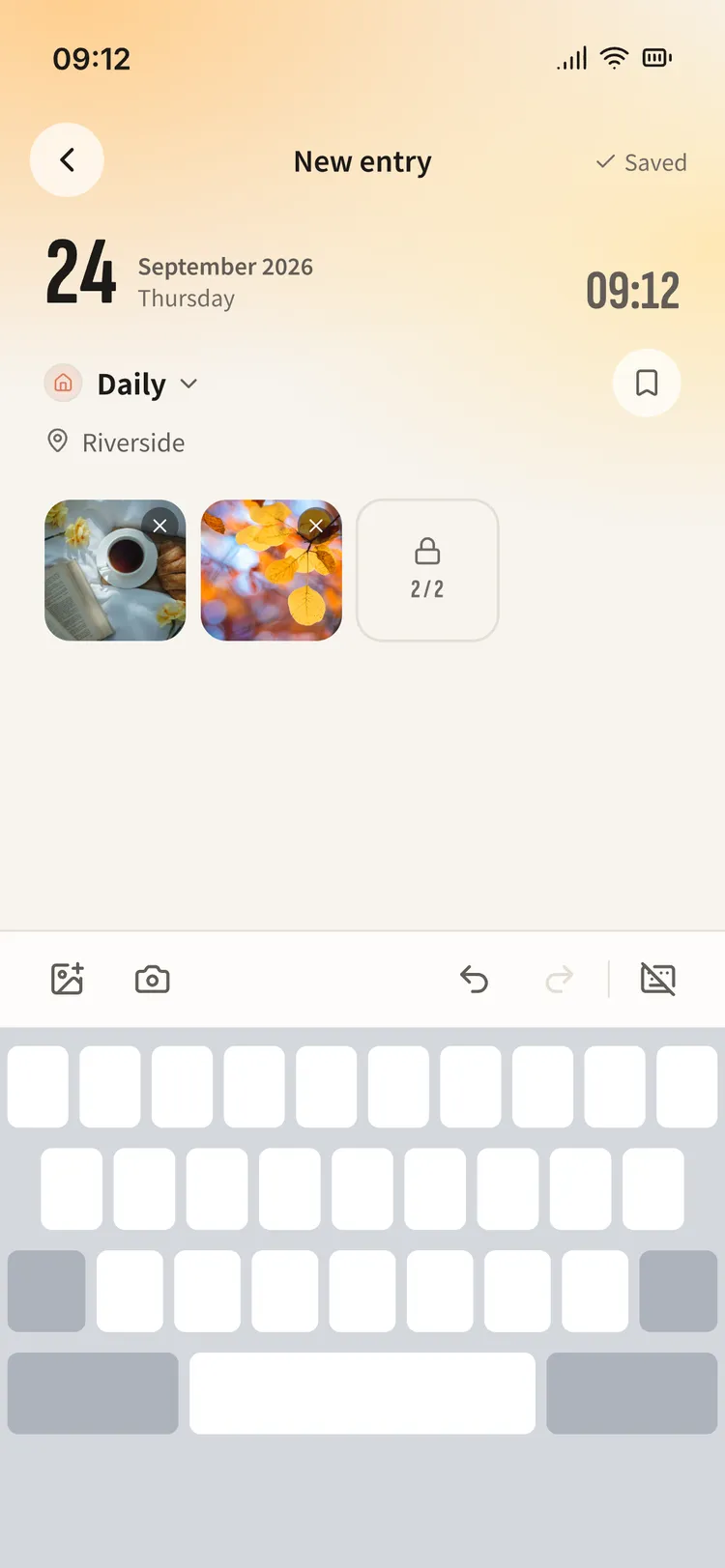
One tap. Start writing.
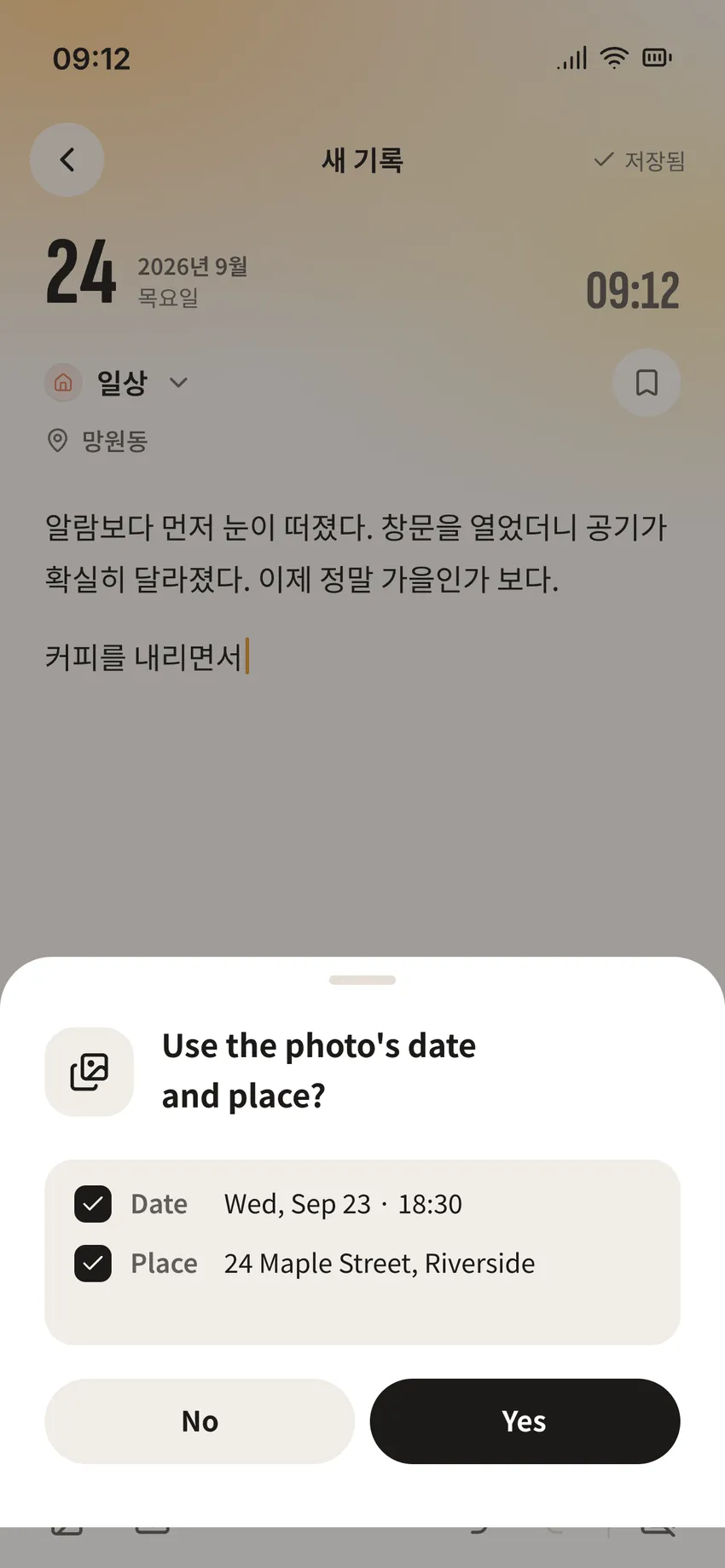
Add photos and places to your entries, then organize them by category. Import the time and location saved in a photo, too.
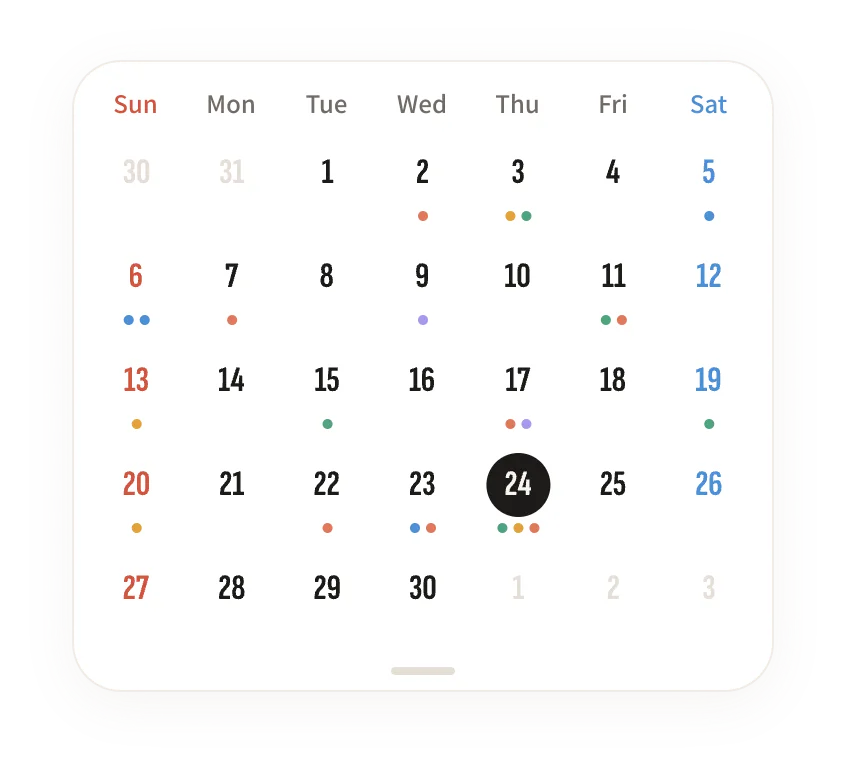
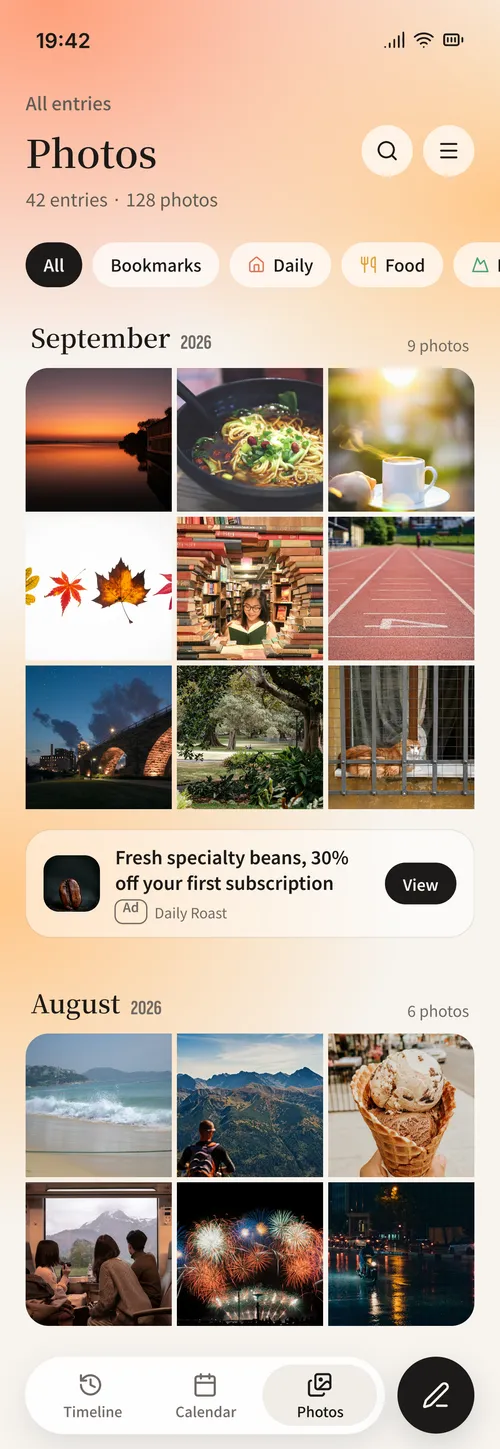
Your journal. Three ways to view it.
Browse in time order, pick a date, or see your photos together.
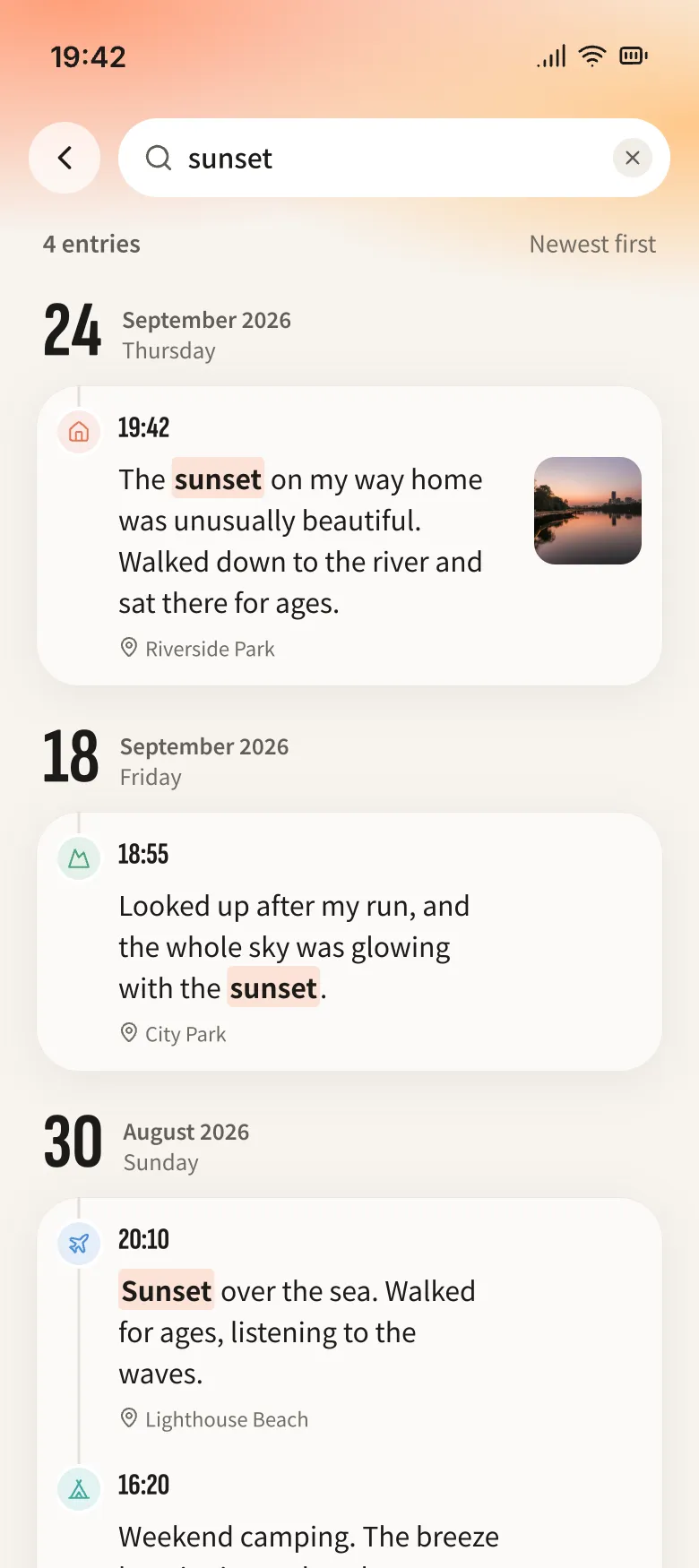
Words or places. Find them in a search.
Search entry text, places, and categories. Filter to see just one category.
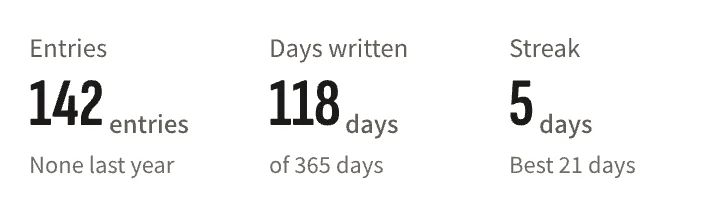
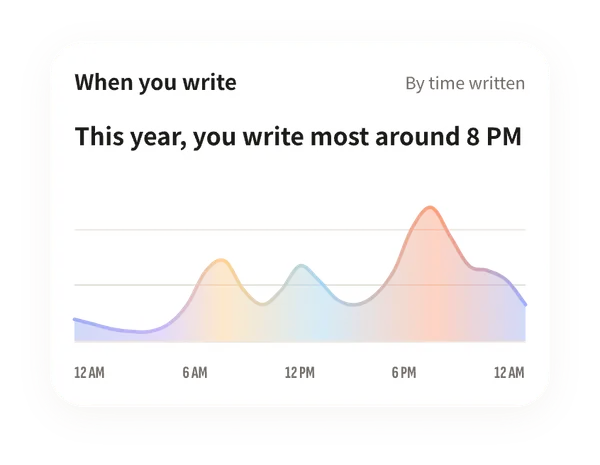
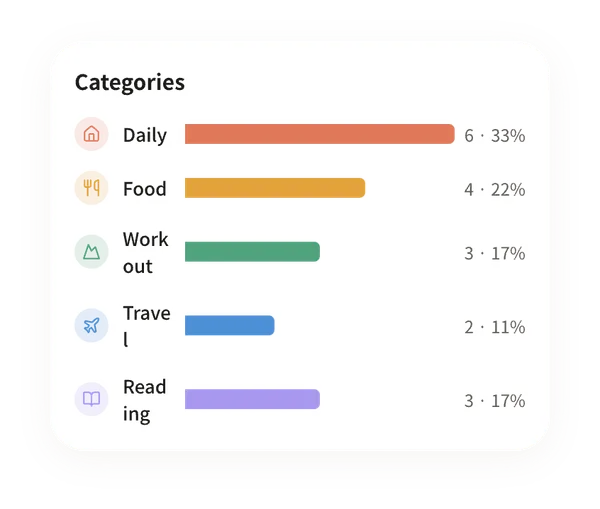
See your journal at a glance.
From entry counts and writing streaks to insights by category, time of day, and place.
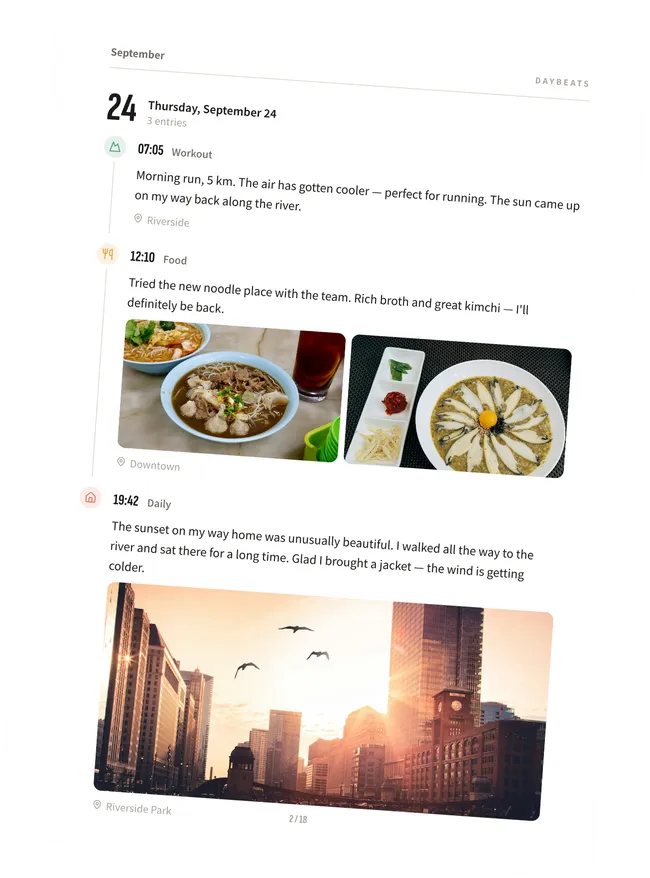
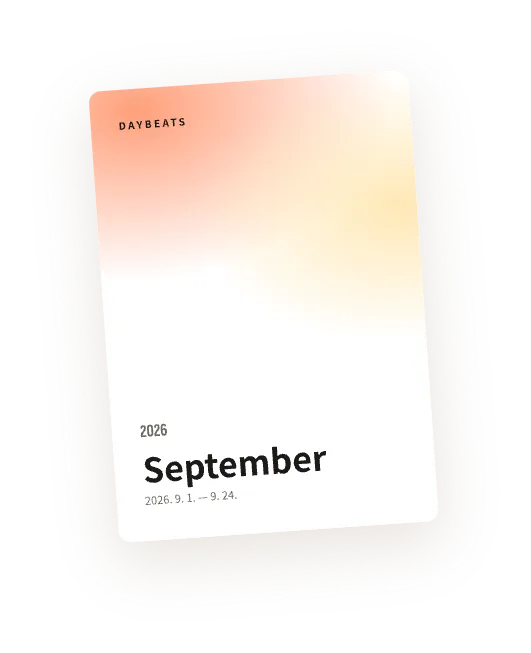
Your entries. A book in PDF.
Choose a date range and turn your words and photos into a book to save or share.
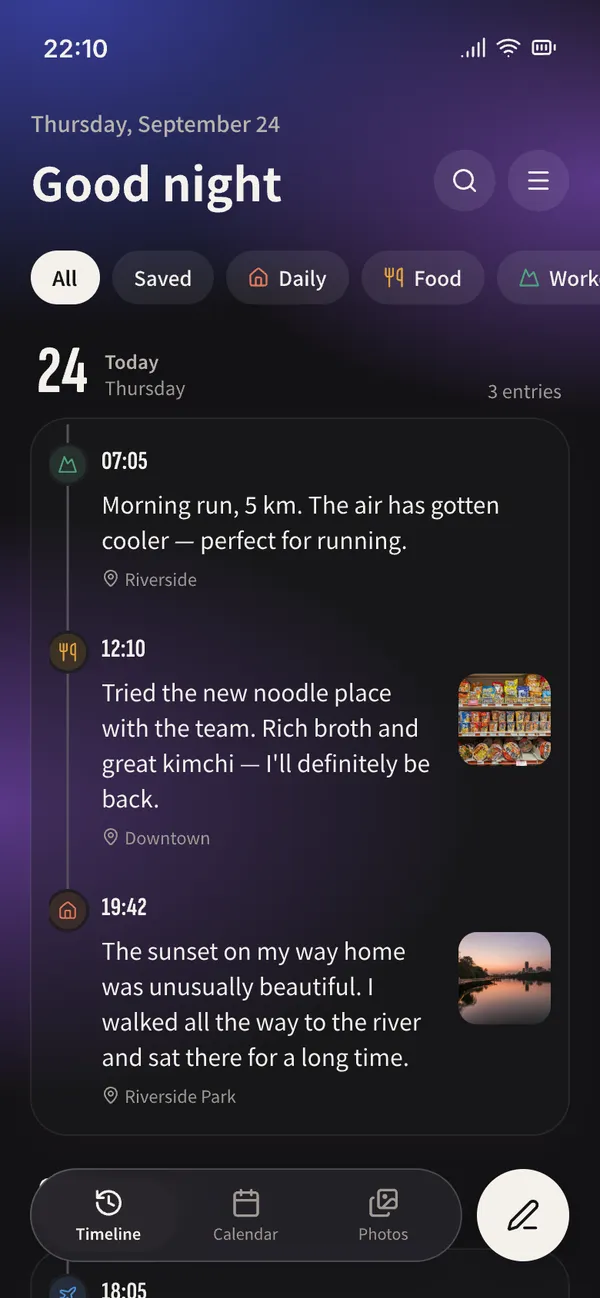
Light or dark. Your kind of journal.
Choose light or dark mode and card or flat lists. Adjust text size and writing reminders to suit you.
Available in 11 languages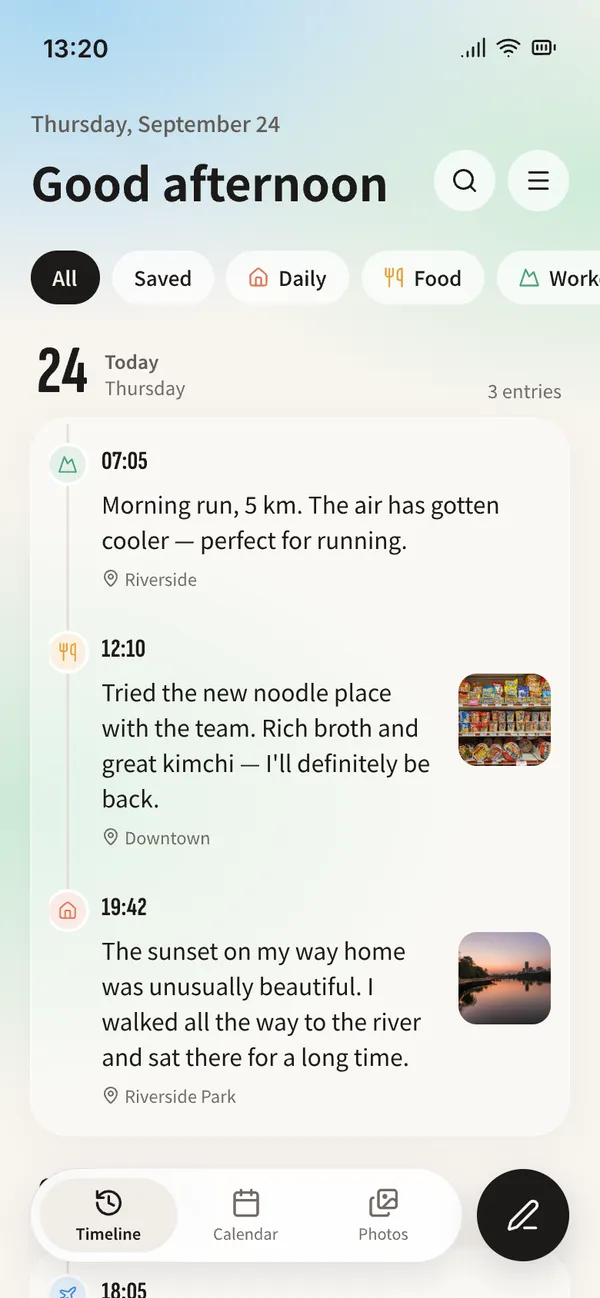
Your journal stays personal.
No sign-up. Stored on your device.
Your entries are not stored on the developer’s servers.
Face ID · Fingerprint · Passcode
Protect your journal with an app lock.
Backup and restore
Back up to a file or Google Drive.
A few answers
Do I need an account?
No app account is needed to write. Google Drive backup requires connecting a Google account.
Can I export to PDF?
With Premium, turn a date range of entries and photos into a PDF book to save or share.